
Plustek SmartOffice PS188
In short: A duplex workgroup scanner at 30 ppm / 60 ipm, managed through DocAction II. Up to 255 scan profiles live on the PC and nine can be loaded to the scanner for one-touch jobs.
Compare the rest of the range below, or see all models under Plustek Scanners.
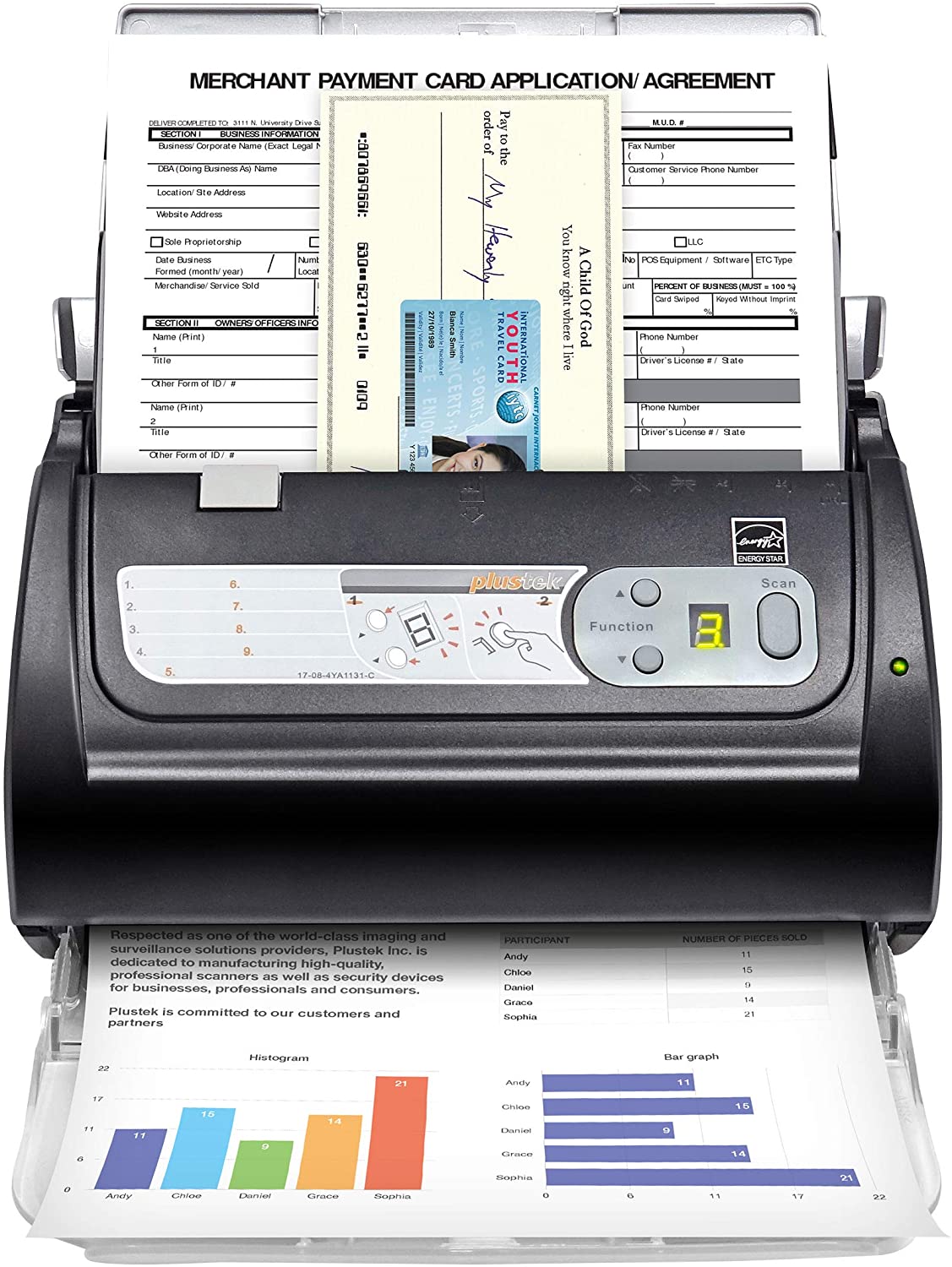
Both sides, one pass, straight to the folder
Two sensors capture the front and back of each sheet in a single pass as the feeder pulls the stack through. Scan profiles set resolution, colour, file type and destination once, so each job is a single button press.
Bundled OCR turns the scans into searchable PDF or editable Word and Excel files. Anything stapled, torn, brittle or bound should go on a flatbed instead.
Prepare
Staples and clips removed from the stack.
Load
Stack placed in the automatic document feeder.
Scan
Both sides captured in one pass with one button.
File
Searchable PDF saved to a folder, FTP or email.
SmartOffice PS188 at a glance
Figures from the manufacturer's published specification. Confirm current options and configuration with our quotation.
Plustek SmartOffice scanners
Speed, feeder capacity and daily duty decide the model.
Above a few thousand pages a day, or for mixed and aged paper, a production scanner or our bureau is usually the better buy.
Government buyers procure through GeBIZ, where Micrographics Data is a registered supplier.
What are scan profiles?
Saved settings for simplex or duplex, colour, resolution, file format and destination, so each job is a single button.
Can it scan both sides at once?
Yes. These are duplex scanners that capture front and back in one pass; blank reverse sides can be dropped automatically.
What about stapled or torn documents?
Remove fasteners first, and keep a flatbed for anything torn, brittle or bound.
Do you supply and support Plustek in Singapore?
Yes. Micrographics Data supplies Plustek in Singapore with setup, software installation and local warranty handling. GeBIZ quotations on request.
How many pages a day?
Tell us your daily volume and paper mix. We recommend a model and quote it.