
CZUR ET24 Pro Professional Book Scanner
In short: The ET24 Pro is an overhead book scanner in CZUR’s ET Smart Series: a 24-megapixel sensor at 320 dpi, three laser lines that measure the page curve so software can flatten it, and OCR in more than 180 languages. It captures an A3 sheet or an open book in about 1.5 seconds, triggered by foot pedal so both hands stay on the pages. Suited to libraries, offices and schools — not to rare books.
Need more resolution or 4K video output? See the ET MAX.
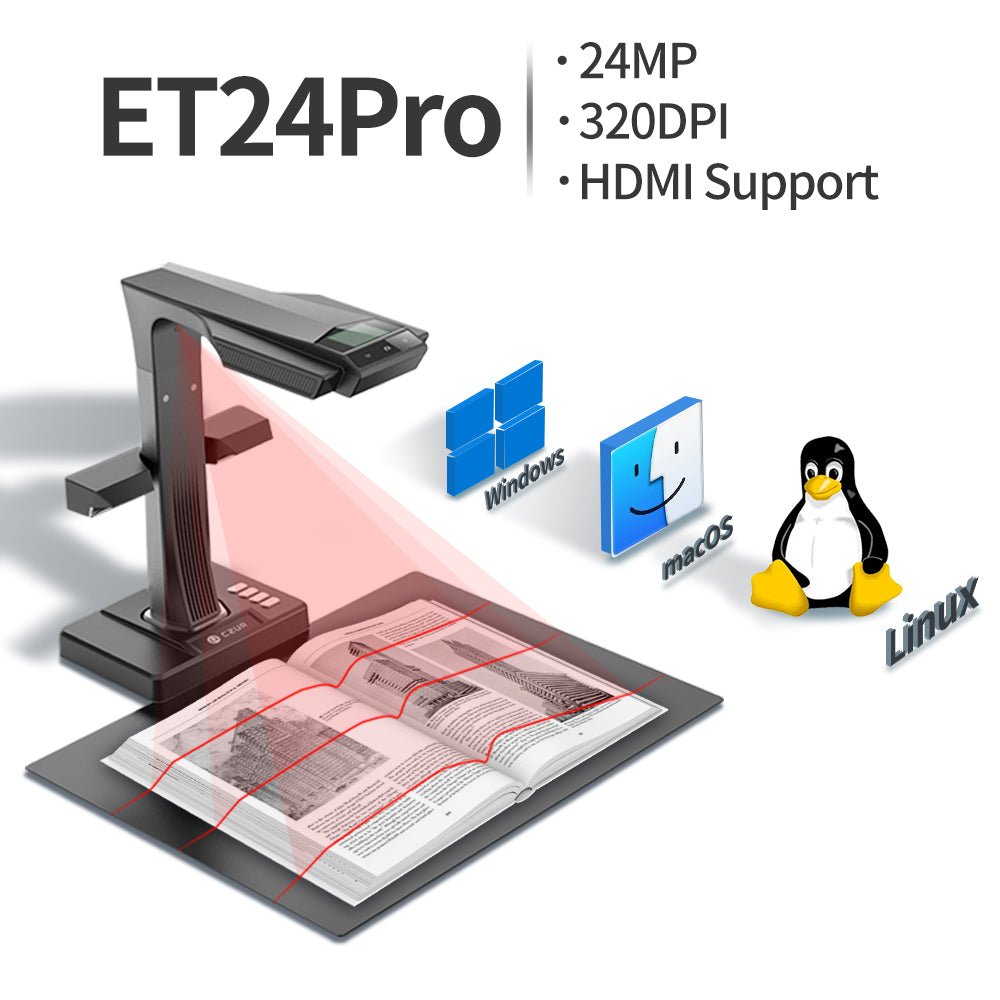
Overhead capture with laser flattening
The book lies open on the mat under the scanner head. Three laser lines trace the page curvature; software uses that contour to flatten the image, then crops, deskews, splits the spread into two pages and removes the fingertips holding the edges.
Capture takes about 1.5 seconds per page or two-page spread, triggered by foot pedal, hand switch or software. Output goes straight to searchable PDF, Word or Excel, or to JPEG, PDF and TIFF images.
Place
Open the book on the mat; top LEDs and side lights even out illumination.
Capture
24 MP sensor images the spread in about 1.5 s; trigger by foot pedal, hand switch or software.
Flatten
Three laser lines drive curve flattening, finger removal, auto-crop and page split.
Output
OCR in 180+ languages to searchable PDF, Word or Excel, or images as JPEG, PDF or TIFF.
CZUR ET24 Pro at a glance
Figures from the manufacturer’s published specification. Confirm current options and configuration with our quotation.
ET Smart Series against the alternatives
Same software and handling; the differences are sensor resolution, video output and how valuable the material is.
For a one-off backfile of bound material, or rare and fragile volumes, compare with our book scanning service.
Government buyers procure through GeBIZ, where Micrographics Data is a registered supplier.
What is the CZUR ET24 Pro?
An overhead book scanner in CZUR’s ET Smart Series with a 24 MP sensor at 320 dpi, three-laser curve-flattening, OCR in 180+ languages and HDMI output.
ET24 Pro or ET MAX?
Both share the same flattening, page splitting and OCR. The ET24 Pro has 24 MP at 320 dpi and HDMI up to 1080p; the ET MAX has 38 MP at up to 410 dpi and 4K HDMI. The ET24 Pro is enough for most text and OCR work.
How fast is it?
About 1.5 seconds per page or two-page spread. In practice throughput is set by how fast the operator turns pages; the foot pedal keeps both hands free.
How thick a book can it scan?
Books up to 35 mm thick at A3, or 50 mm at A4. Flat documents up to A3.
Does it work on Linux?
Yes — Ubuntu 20.04 to 24.04, as well as Windows XP to 11 and macOS 10.13 or later.
Is it good enough for archival digitisation?
No. It is an office and reading-room tool. Archival programmes need conservation handling and colour management to FADGI, Metamorfoze or ISO 19264-1 — a Book2net cradle scanner or our bureau.
Do you support it in Singapore?
Yes. Micrographics Data supplies CZUR in Singapore with setup, software installation and local warranty handling.
Tell us what you are scanning and how often
We scan a sample, recommend ET MAX, ET24 Pro or a professional cradle scanner, and quote purchase against bureau scanning.