
Book2net Hybrid Scanning Solution
In short: Two scanners, one software. A Book2net overhead scanner handles bound volumes, fragile documents and objects without contact, and a SCAMIG A3 document scanner feeds robust loose sheets and stacks. Both save into the same job, in the correct order.
Recommended overhead scanners: Archive Pro A1, Archive Pro A2, Ultra A2 or Kiosk Profi A2. Recommended document scanners: SCAMIG 210 series or SCAMIG 120.
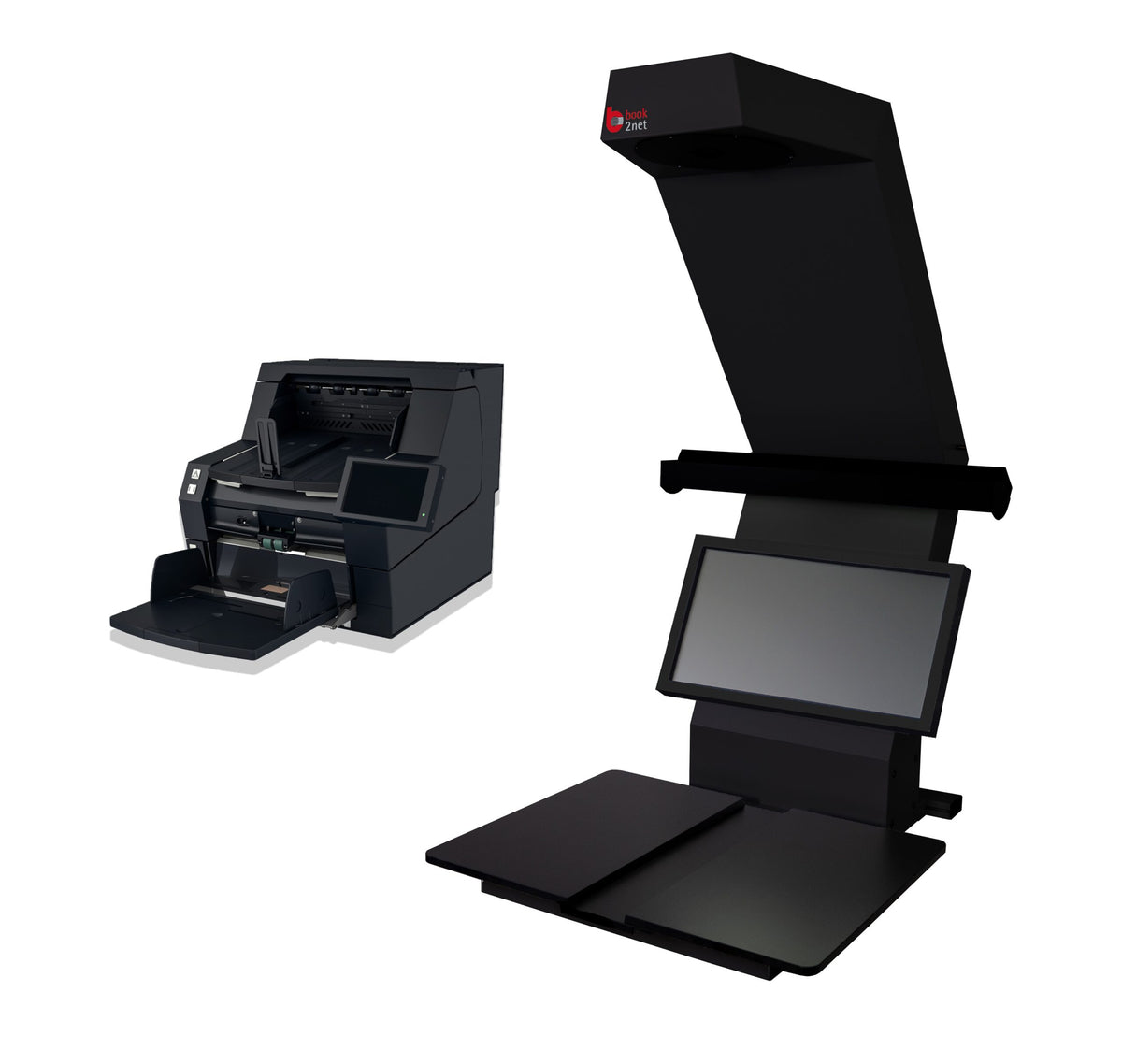
Switch the input, keep the order
Archive collections mix bound files with stacks of single sheets. Scanning stacks on an overhead scanner is slow; feeding bound or fragile items through a document scanner is unsafe. The hybrid workstation puts both on one PC, and the operator switches input source in the scan interface.
Scans from both devices go into the overhead scanner's software, so one job holds every page in sequence, with multipage files and saved job settings across both. The SCAMIG uses a gentle belt transport with adjustable feed speed and a rear output tray for thick paper or card.
Bound
Volumes and fragile items on the overhead scanner.
Loose
Robust sheets and stacks through the SCAMIG.
Merge
Both inputs land in one job, in order.
Export
Rename, sort and export combined files.
Hybrid scanning in operation
Manufacturer video from book2net.
Hybrid Scanning Solution at a glance
Figures from the manufacturer's published specification. Confirm current options and configuration with our quotation.
The Book2net range
Choose by how far the binding safely opens, the largest format, and how much material there is.
If almost everything is bound, a single overhead scanner is enough; the hybrid pays off where loose sheets make up a large share.
Government buyers procure through GeBIZ, where Micrographics Data is a registered supplier.
What is the Book2net hybrid scanning solution?
A combined workstation: a Book2net A1 or A2 overhead scanner for bound and fragile material, and a SCAMIG A3 document scanner for loose sheets and stacks, run from one PC and one scanning software.
Which scanners can be combined?
The manufacturer recommends the Archive Pro A1/A2, Ultra A2 or Kiosk Pro A2 as the overhead scanner, with a SCAMIG 210 series or SCAMIG 120 document scanner.
Do the two scanners need separate software?
No. The overhead scanner's software is the interface for both. The operator switches input source, and every page lands in the same job in the correct order.
Can we use our own PC?
Yes. A dedicated PC can be supplied, or the software can be installed on your own computer.
How much does it cost?
It is quoted per configuration — the scanner pairing, software, workstation, training and support all change the figure. Micrographics Data issues a written quotation, and a GeBIZ quotation for government agencies and statutory boards.
Should we buy or use your bureau?
Buy where material cannot leave the building, the programme runs for years, or staff can operate the scanner part-time. Use the bureau for a one-off collection, a deadline, or material needing conservation attention first.
How much of your collection is loose sheets?
Send the mix of bound and loose material and daily volumes; we propose the scanner pairing and quote.